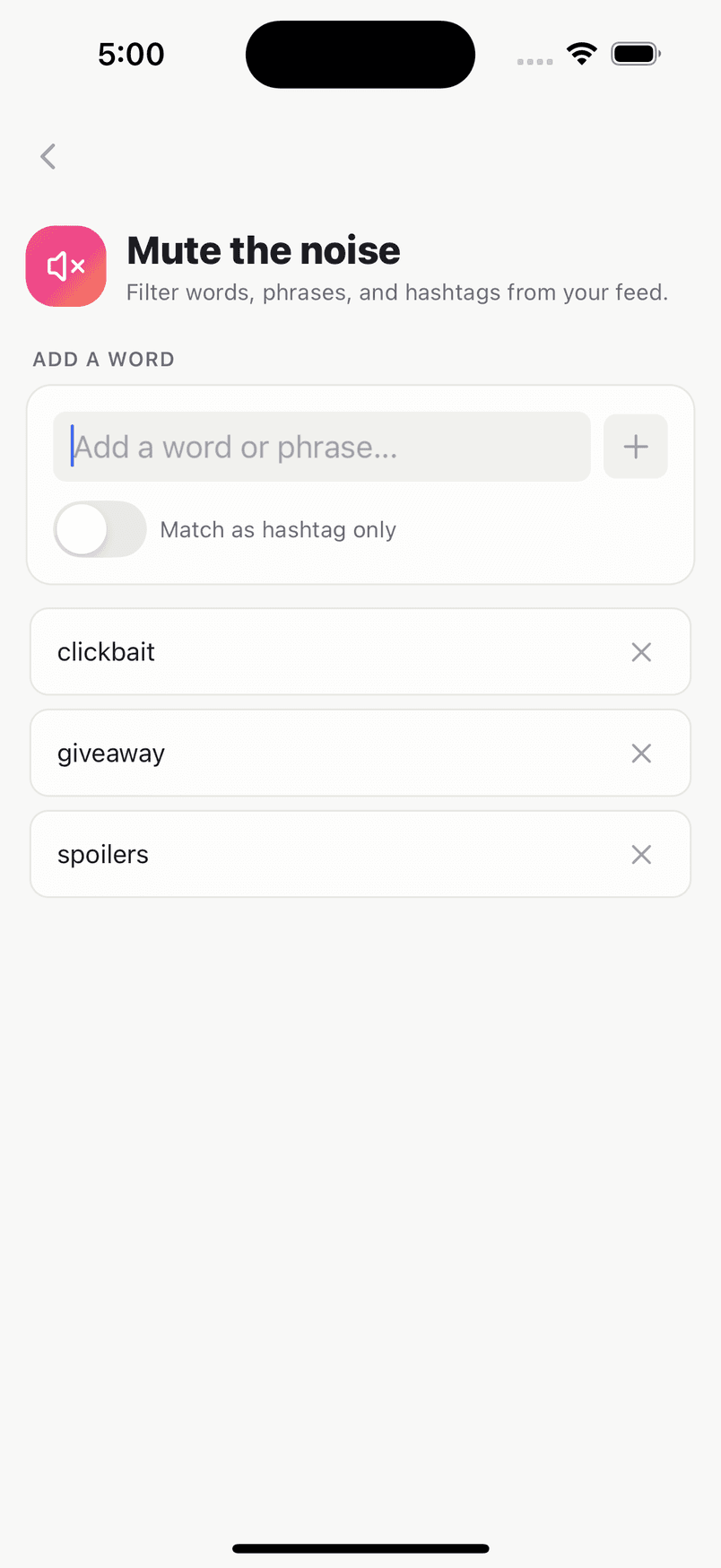
Mute the noise
Filter words, phrases and hashtags out of your feed. Hide comments on your own posts that contain words you choose. The commenter only sees their own comment and isn't told.
Share with everyone, your followers, your Close Friends or just yourself. Decide who can reply. Tune your own feed instead of living with someone else's. And when you want to make more, creator tools are built in.
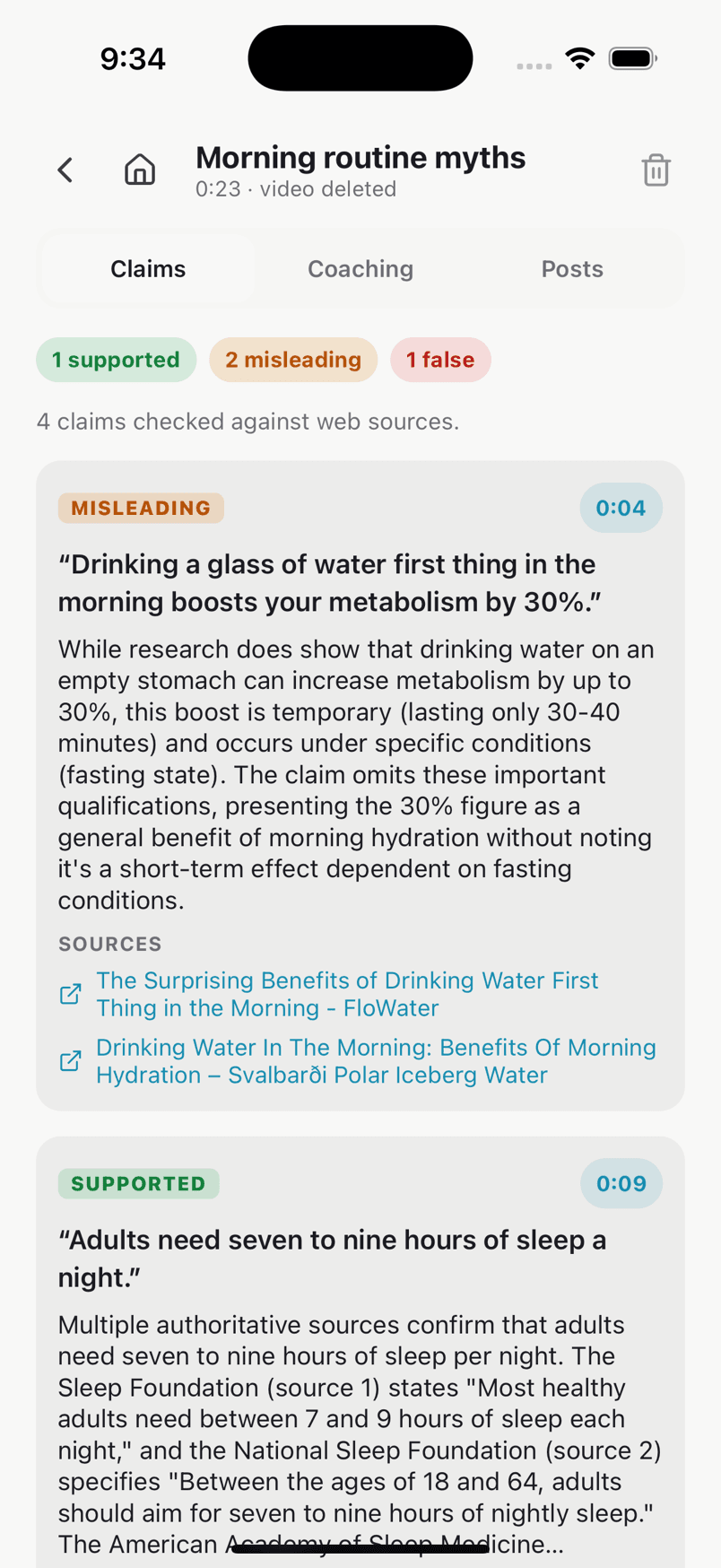
Real screens from the TrueSay app, shown with a demo account.
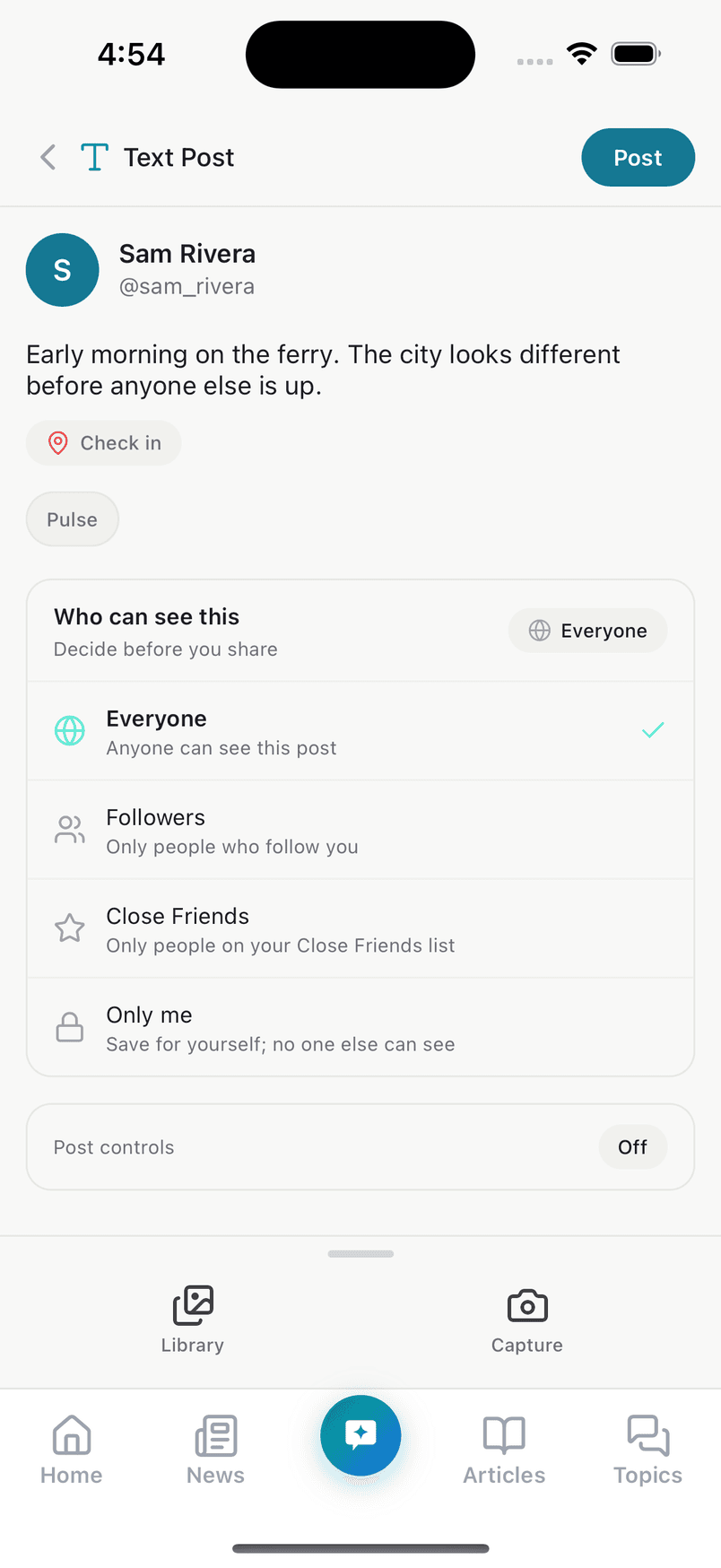
Choose who sees each post before you share it, then fine-tune what everyone can do with it. Every setting is one tap in the composer.
Four audiences
Everyone, Followers, Close Friends, or Only me, a place to save a draft thought for yourself.
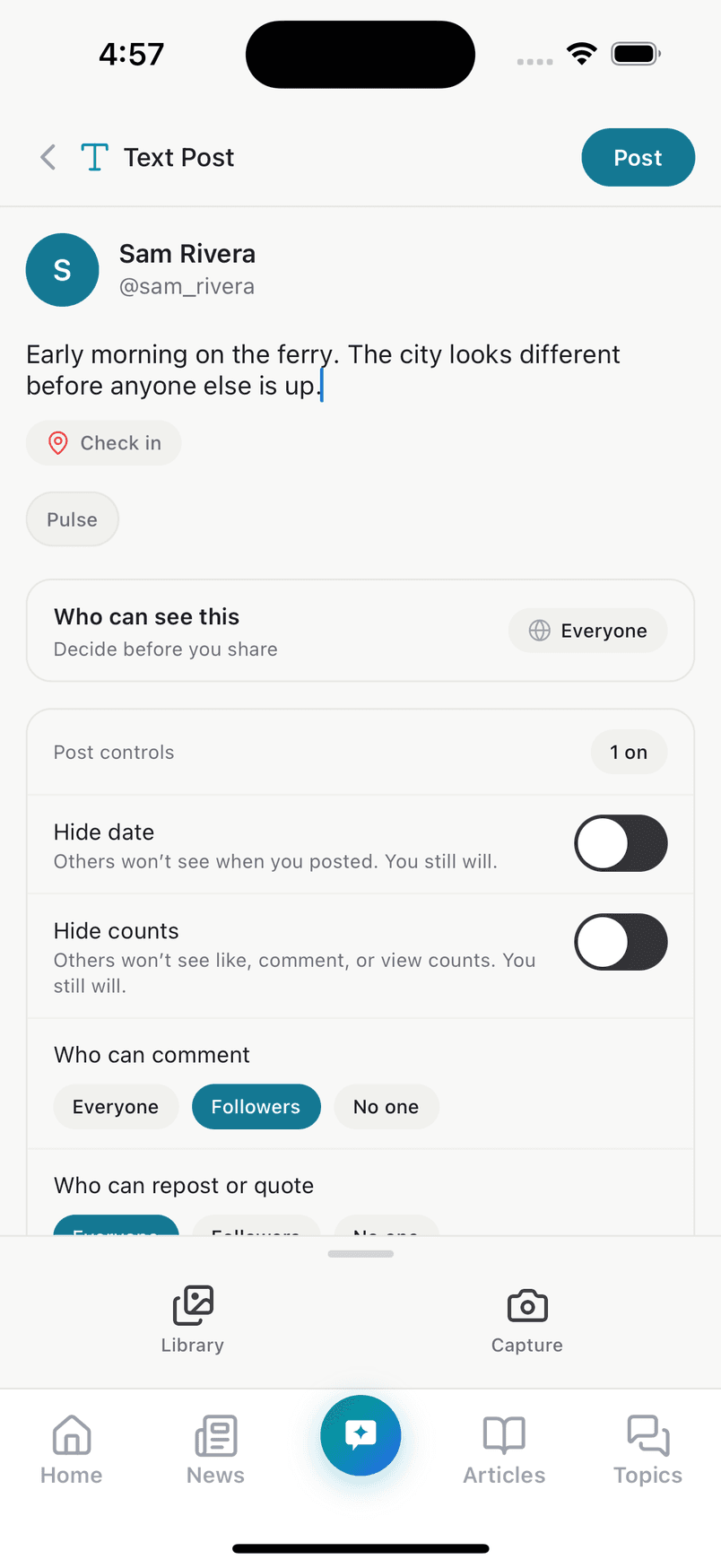
Hide the date and counts
Others won't see when you posted or the like, comment and view counts. You still will.
Choose who can reply
Let everyone comment, only your followers, or no one. Set who can repost or quote it, too.
Don't recommend it, or let it expire
Keep a post out of recommendations, or set it to expire.
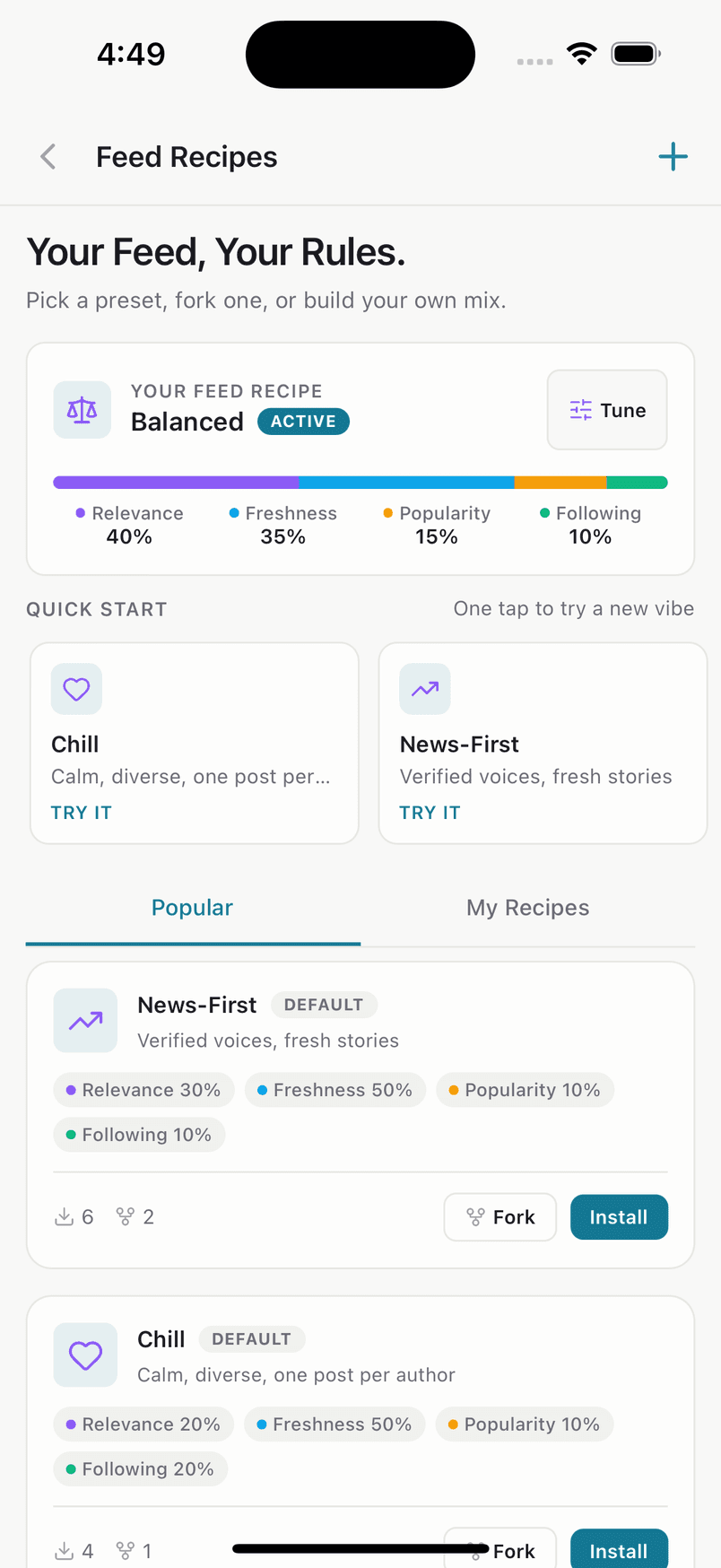
Feed Recipes put you at the controls of your own feed. Pick a preset, fork one, or build your own mix of relevance, freshness, popularity and the people you follow.
Tune it yourself
See exactly how your feed is weighted and change it whenever you like.
Start from a preset
Try Chill or News-First with one tap, then fork a recipe and make it yours.
Filter words, phrases and hashtags out of your feed. Hide comments on your own posts that contain words you choose. The commenter only sees their own comment and isn't told.
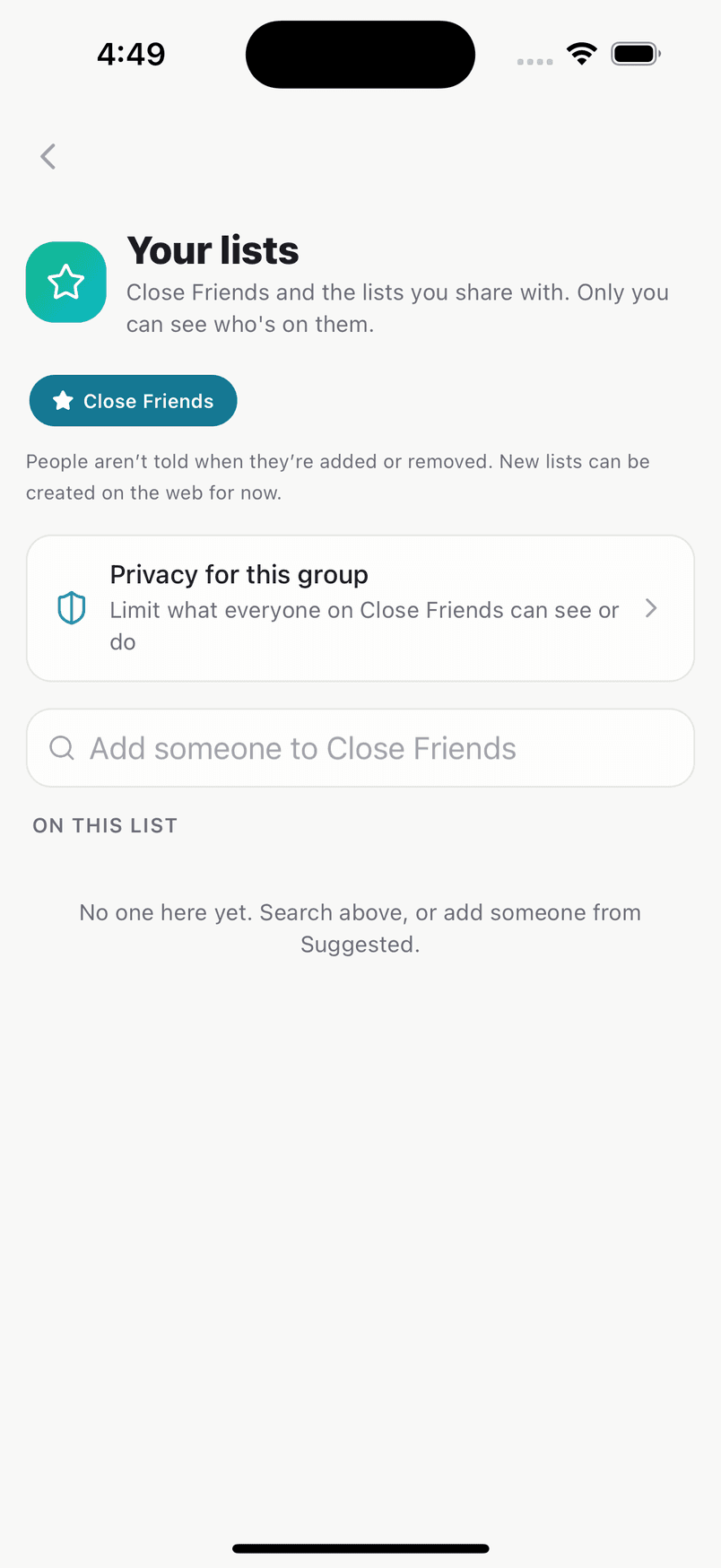
Close Friends is a list you choose, and a post can go to just them. People aren't told when they're added or removed.
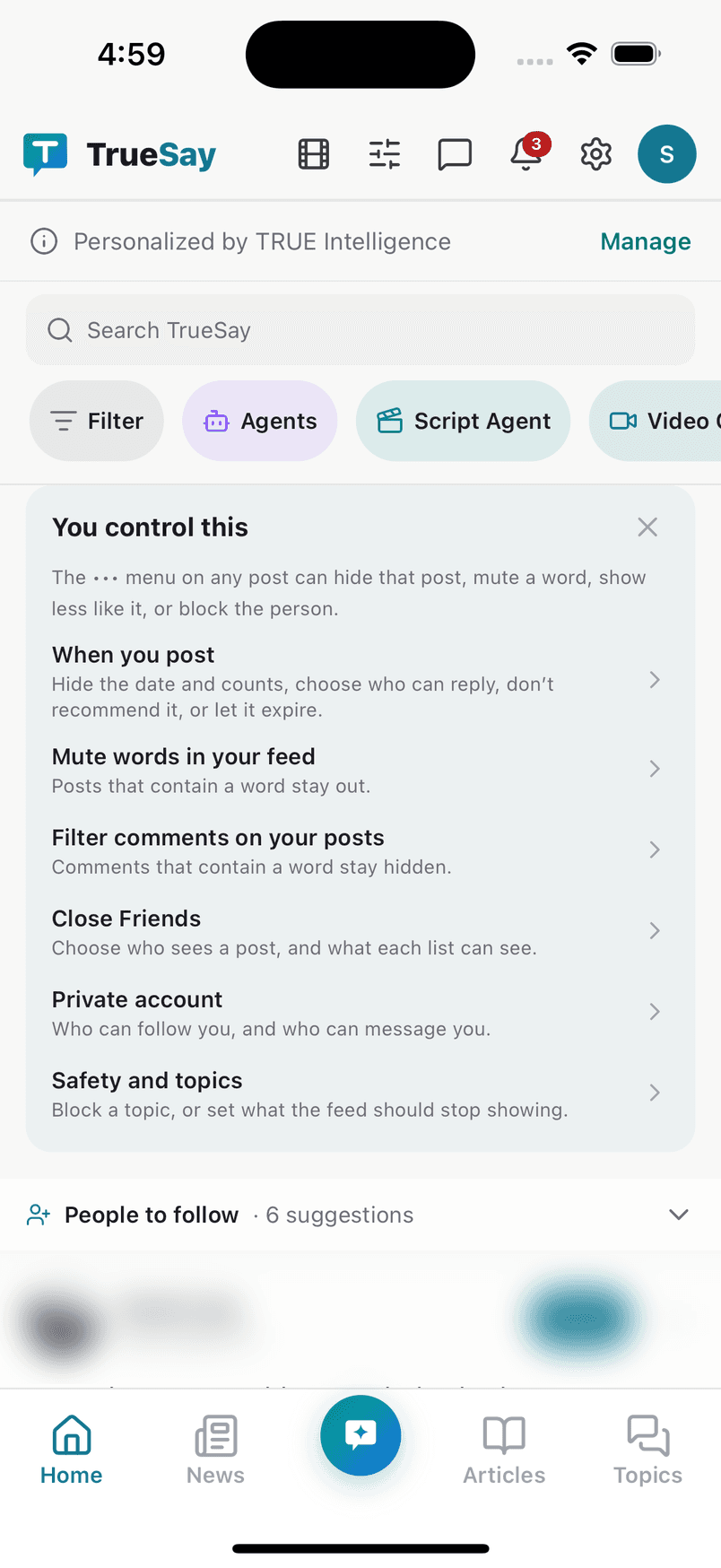
New to TrueSay? The home screen shows a short card with the controls that matter: what you post, what you see and who can reach you.
When you post
Hide the date and counts, choose who can reply, don't recommend it, or let it expire.
Mute words in your feed
Posts that contain a word stay out.
Filter comments on your posts
Comments that contain a word stay hidden.
Close Friends
Choose who sees a post, and what each list can see.
Private account
Who can follow you, and who can message you.
Safety and topics
Block a topic, or set what the feed should stop showing.
Post what's on your mind, follow what matters, and talk to the people you care about.
Posts
Text, photos and video.
Polls
Ask a question and see what people think.
Direct messages
Private conversations with the people who matter.
Groups and communities
Join or create one around what you care about, public or private.
News
Every story, from every side.
Articles
Read and write longer pieces.
Search
Find people, hashtags and news.
Creator tools
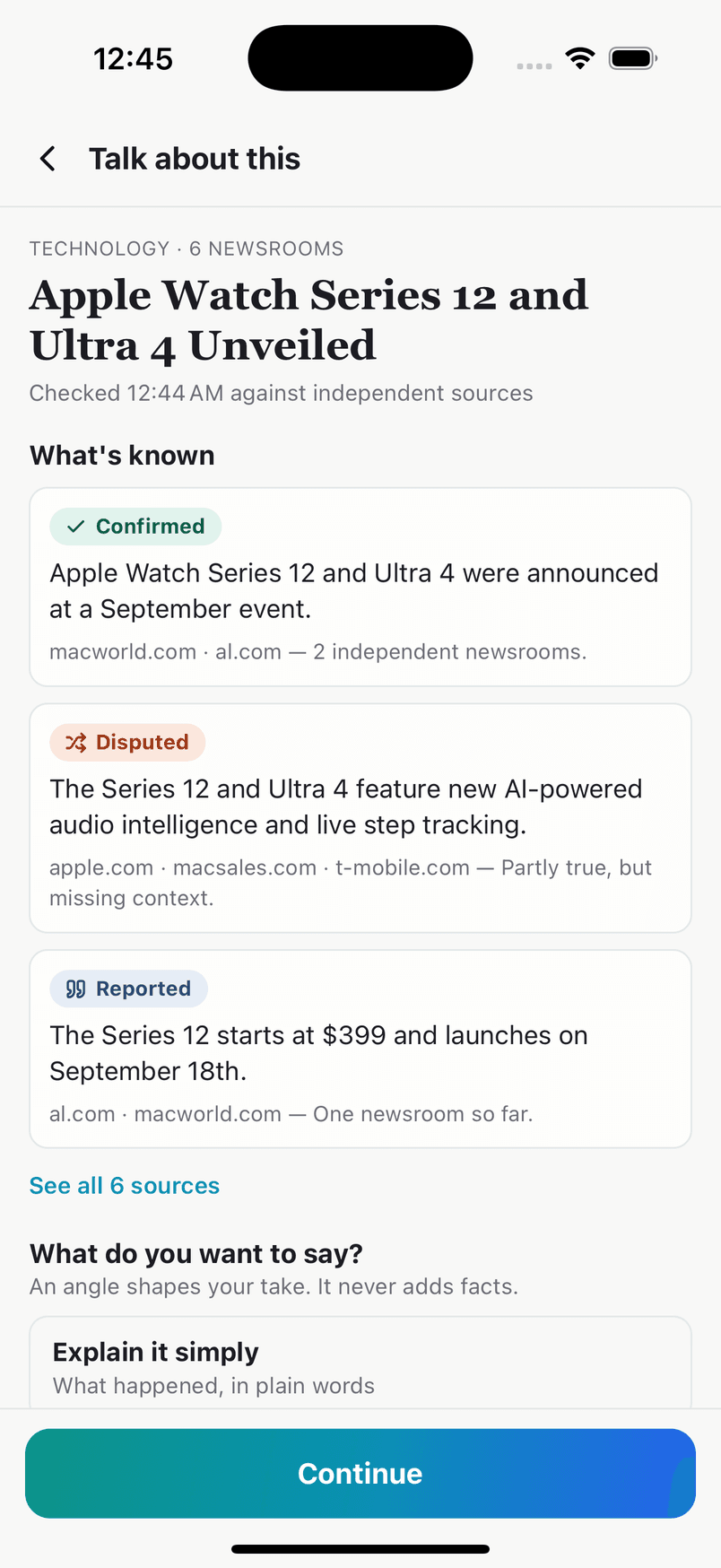
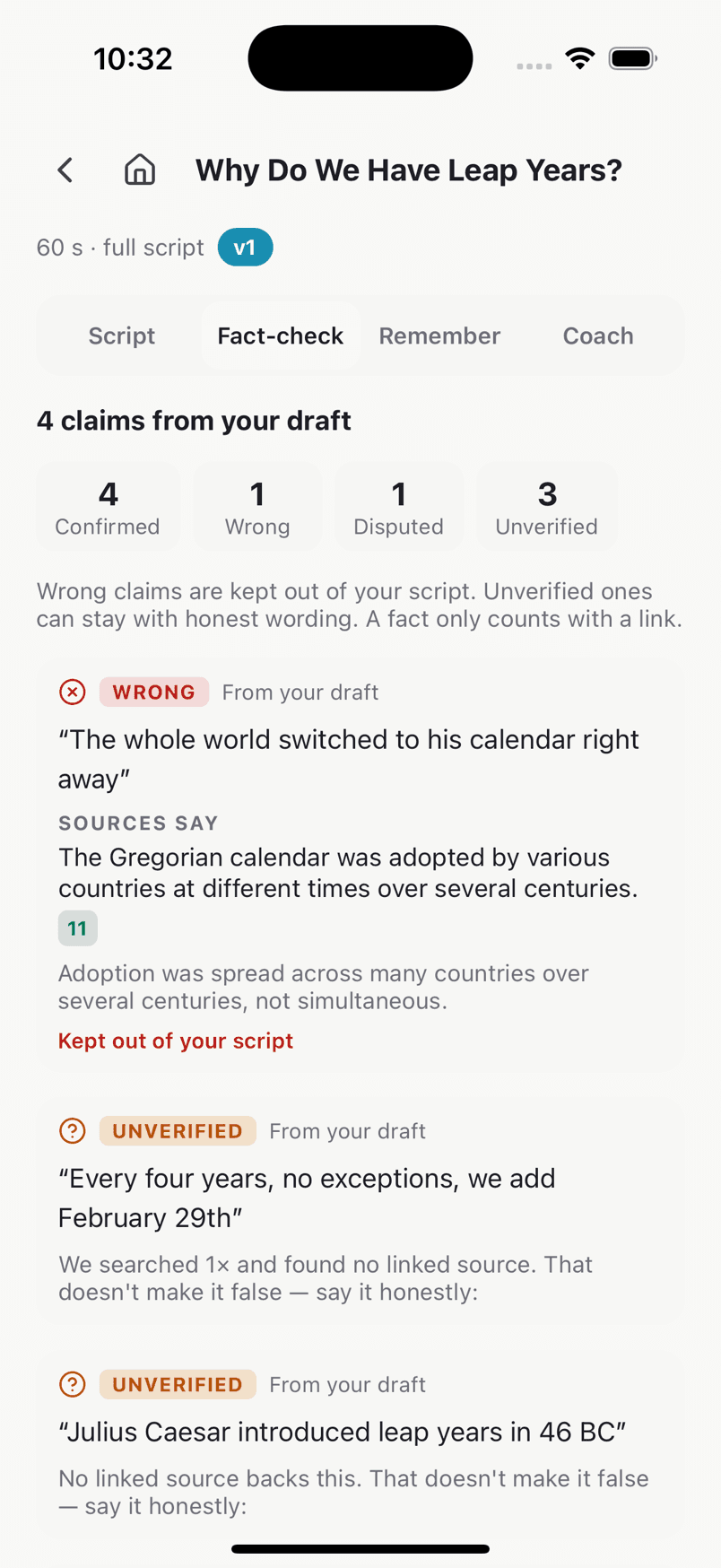
When you want to make more than a post, TrueSay Agents research your topic, check your facts against real sources, write and read your script aloud, check the video you made, and draft your post. Every result is AI-generated and labelled, every verdict links to its source, and nothing is posted for you.
In the app for iPhone and Android.


A social app where you decide. Join TrueSay.
Join TrueSay